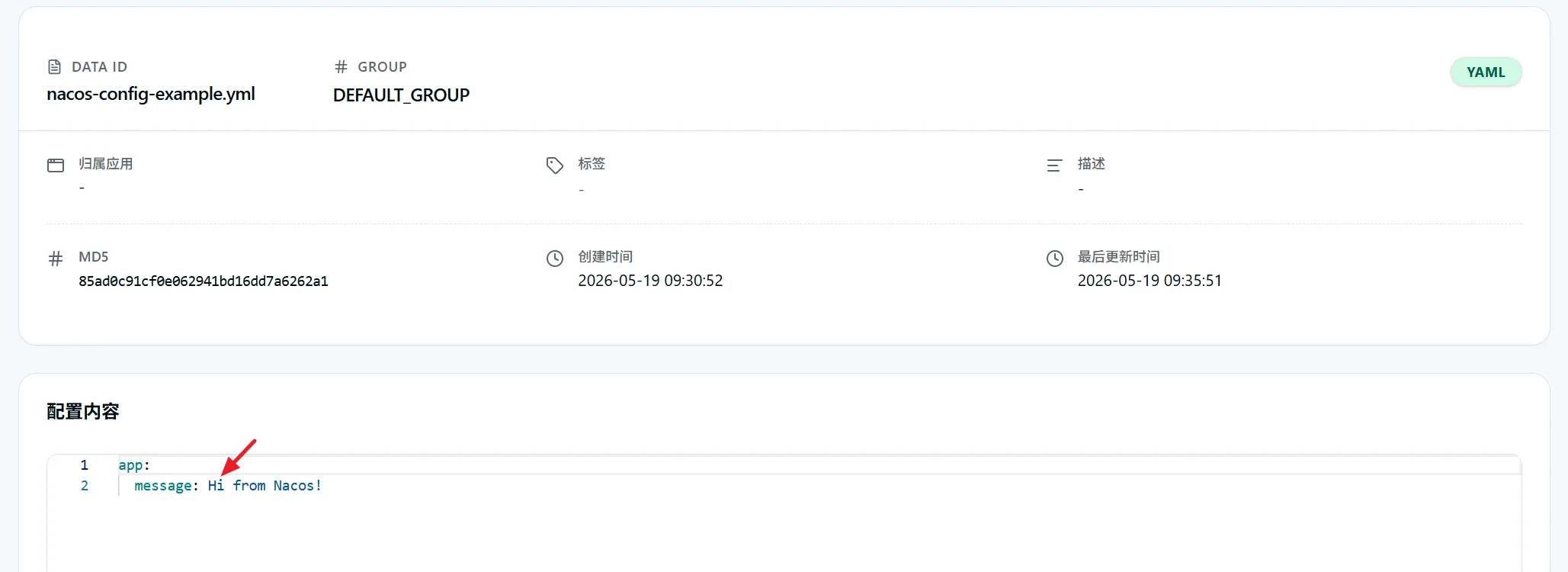
Nacos 是集服务注册发现与分布式配置管理于一体的一体化云原生组件。作为配置中心,它能够集中统一管理所有微服务的运行参数与环境配置,支持多环境配置隔离、配置版本管理、配置动态推送等能力,无需修改项目本地配置文件,即可在线完成配置修改与生效,极大简化微服务集群的配置运维工作
在 sca-service 模块下创建一个名为 sca-service-config 的子模块pom.xml 如下
注意: 不要忘记将该模块添加进
sca-service的modules中
<?xml version="1.0" encoding="UTF-8"?>
<project xmlns:xsi="http://www.w3.org/2001/XMLSchema-instance" xmlns="http://maven.apache.org/POM/4.0.0"
         xsi:schemaLocation="http://maven.apache.org/POM/4.0.0 http://maven.apache.org/maven-v4_0_0.xsd">
    <modelVersion>4.0.0</modelVersion>

    <parent>
        <groupId>com.lusifer</groupId>
        <artifactId>sca-service</artifactId>
        <version>${revision}</version>
    </parent>

    <artifactId>sca-service-config</artifactId>
    <packaging>jar</packaging>

    <name>${project.artifactId}</name>
    <description>配置中心案例</description>

    <dependencies>
        <dependency>
            <groupId>org.springframework.boot</groupId>
            <artifactId>spring-boot-starter-web</artifactId>
        </dependency>
        <dependency>
            <groupId>org.springframework.boot</groupId>
            <artifactId>spring-boot-starter-actuator</artifactId>
        </dependency>

        <!-- 配置中心实现动态配置 -->
        <dependency>
            <groupId>com.alibaba.cloud</groupId>
            <artifactId>spring-cloud-starter-alibaba-nacos-config</artifactId>
        </dependency>
        <dependency>
            <groupId>org.springframework.cloud</groupId>
            <artifactId>spring-cloud-starter-bootstrap</artifactId>
        </dependency>
    </dependencies>

    <build>
        <finalName>${project.artifactId}</finalName>
    </build>
</project>编写启动类 com.lusifer.sca.service.config.ConfigApplication
package com.lusifer.sca.service.config;

import org.springframework.boot.SpringApplication;
import org.springframework.boot.autoconfigure.SpringBootApplication;
import org.springframework.cloud.client.discovery.EnableDiscoveryClient;

@EnableDiscoveryClient
@SpringBootApplication
public class ConfigApplication {

  public static void main(String[] args) {
    SpringApplication.run(ConfigApplication.class, args);
  }
}
编写控制器 com.lusifer.sca.service.config.controller.MessageController
package com.lusifer.sca.service.config.controller;

import org.springframework.beans.factory.annotation.Value;
import org.springframework.cloud.context.config.annotation.RefreshScope;
import org.springframework.web.bind.annotation.GetMapping;
import org.springframework.web.bind.annotation.RestController;

// 这个注释是为了实现动态刷新配置
@RefreshScope
@RestController
public class MessageController {

  // 这个注解可以从配置文件中获取值
  @Value("${app.message}")
  private String message;

  @GetMapping("/message")
  public String getMessage() {
    return message;
  }
}编写 bootstrap.yml 配置文件;
注意:必须叫这个名字,这里涉及到 Spring Boot 装载配置的优先级问题,最高级别为 bootstrap.properties
spring:
  application:
    name: sca-service-config
  profiles:
    active: dev
  cloud:
    nacos:
      discovery:
        server-addr: 192.168.203.200:8848
        enabled: true
        username: nacos
        password: 123456
      config:
        server-addr: 192.168.203.200:8848
        namespace: public
        group: DEFAULT_GROUP
        username: nacos
        password: 123456
  config:
    import:
      - nacos:nacos-config-example.yml?refresh=true
编写 application-dev.yml 配置文件;这是一种多环境的配置方式,对应上面配置的 profiles.active=dev
server:
  port: 18081

management:
  endpoint:
    health:
      show-details: always
  endpoints:
    web:
      exposure:
        include: '*'

logging:
  level:
    com.alibaba.cloud.nacos.configdata: debug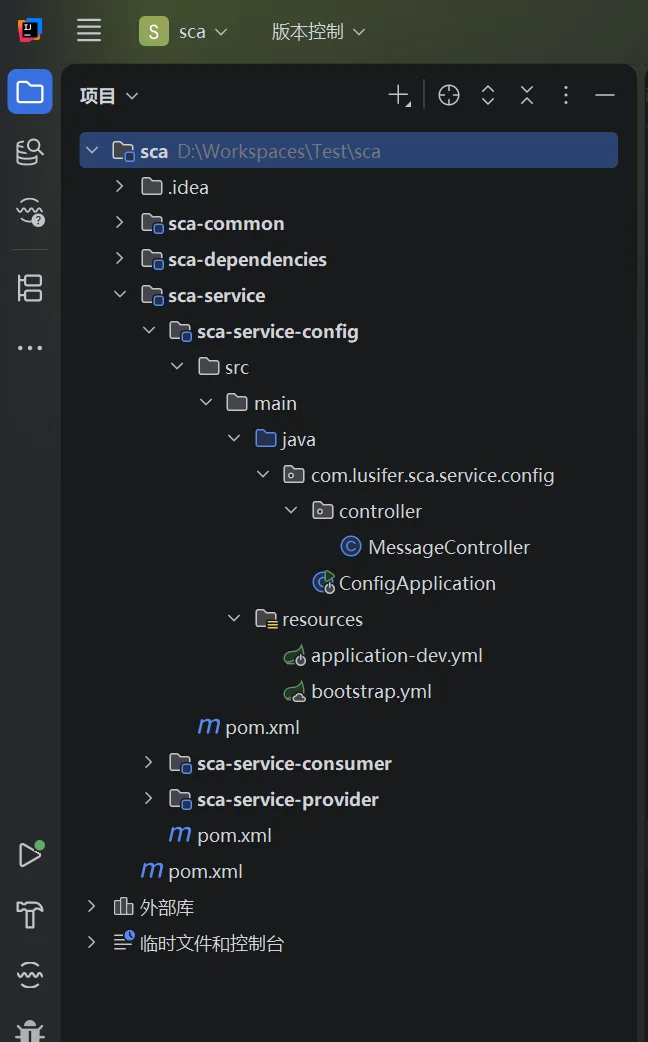
创建配置,名为 nacos-config-example.yml
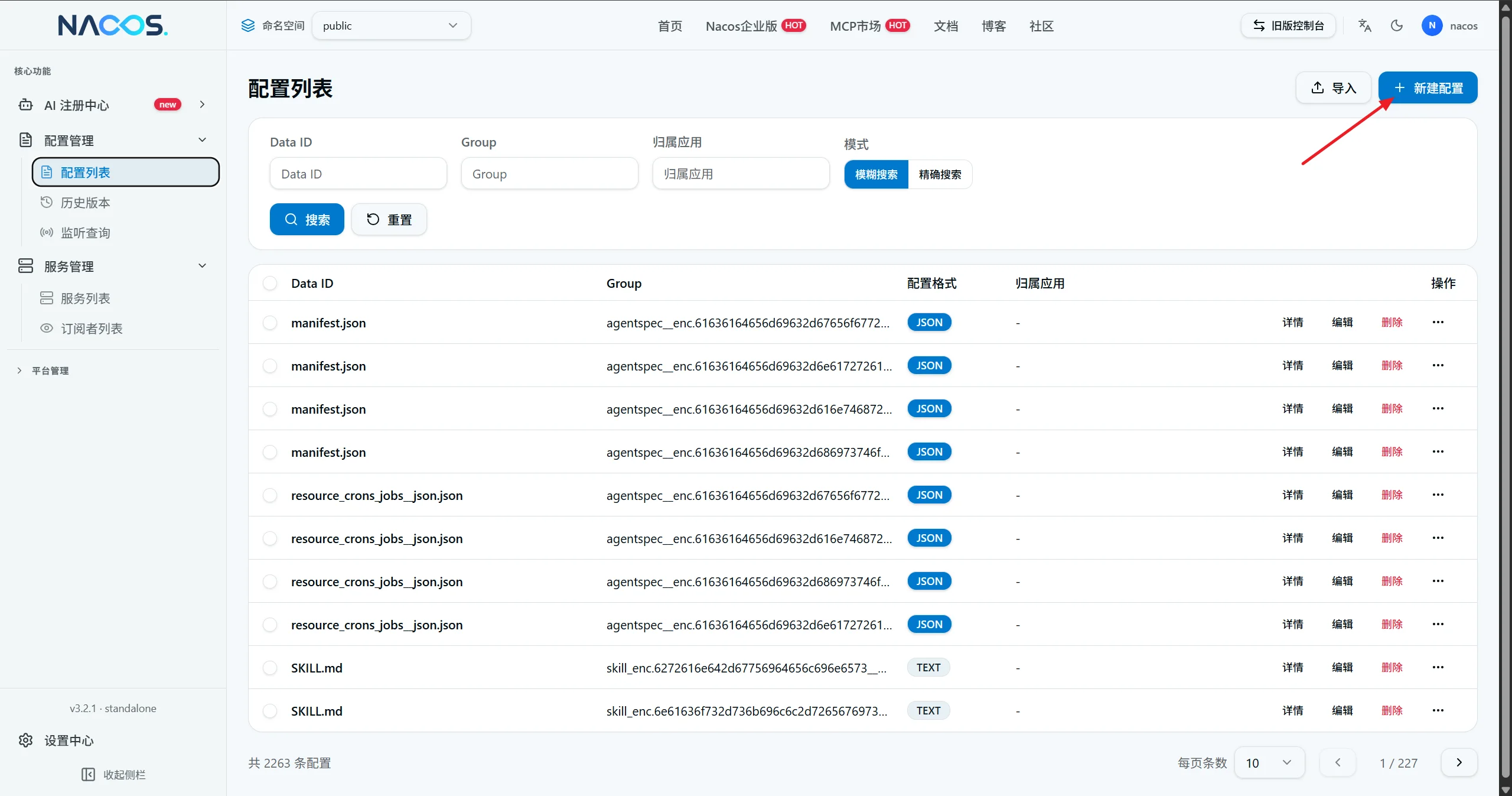
内容如下
app:
  message: Hello from Nacos!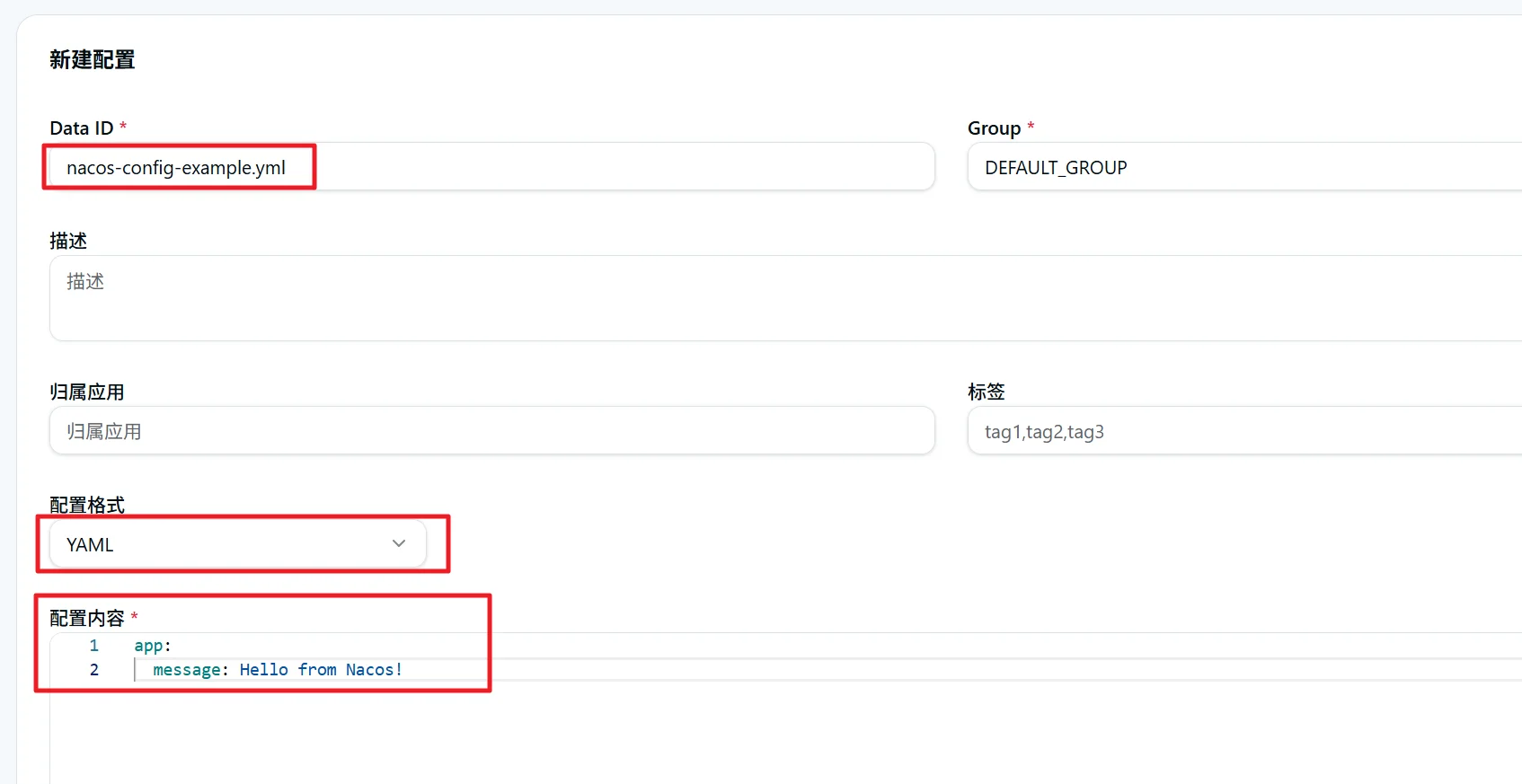
配置【发布】后搜索查看配置
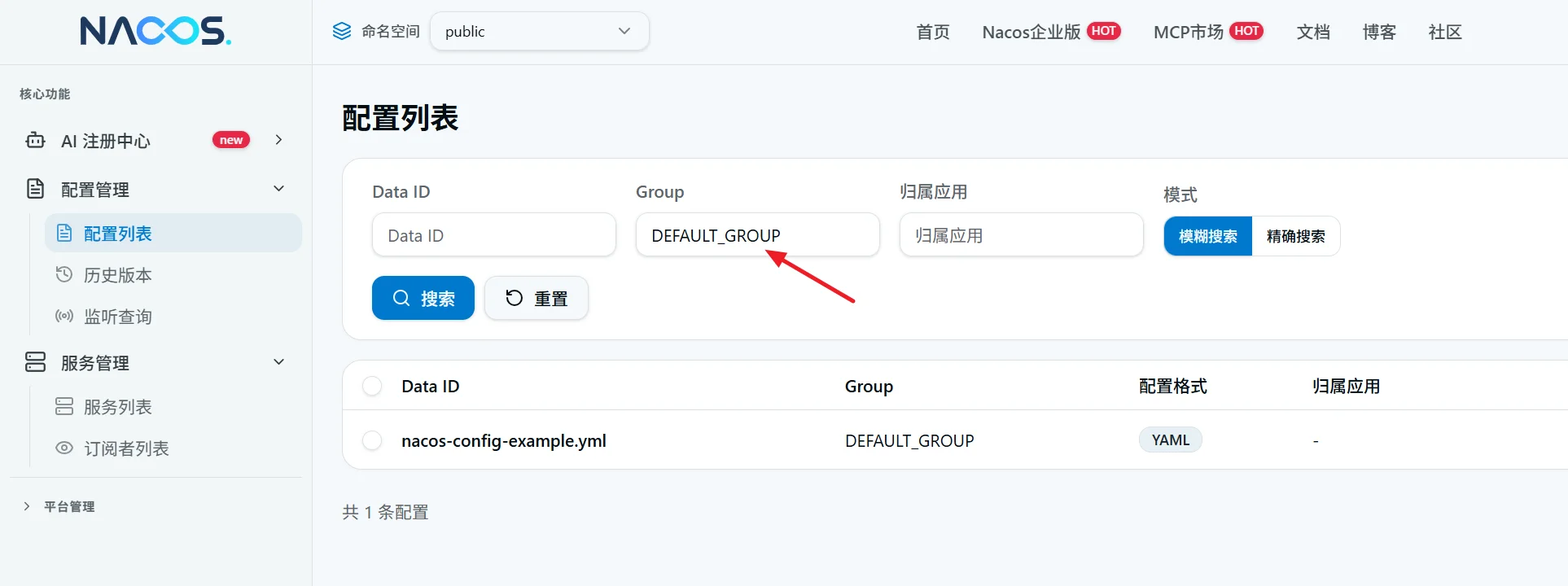
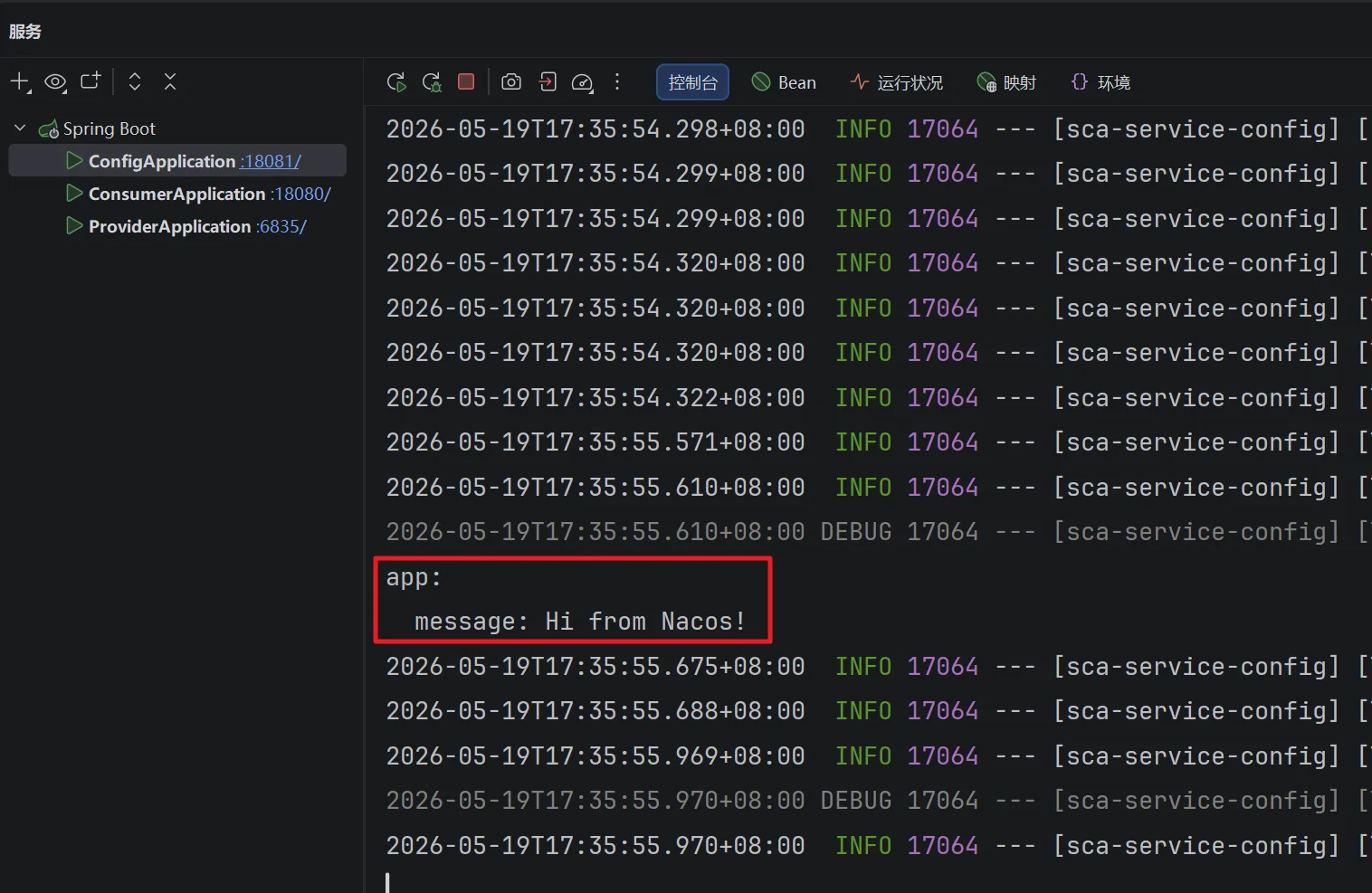
启动服务,观察控制台输出,可以看到成功加载到 Nacos 配置管理中的配置
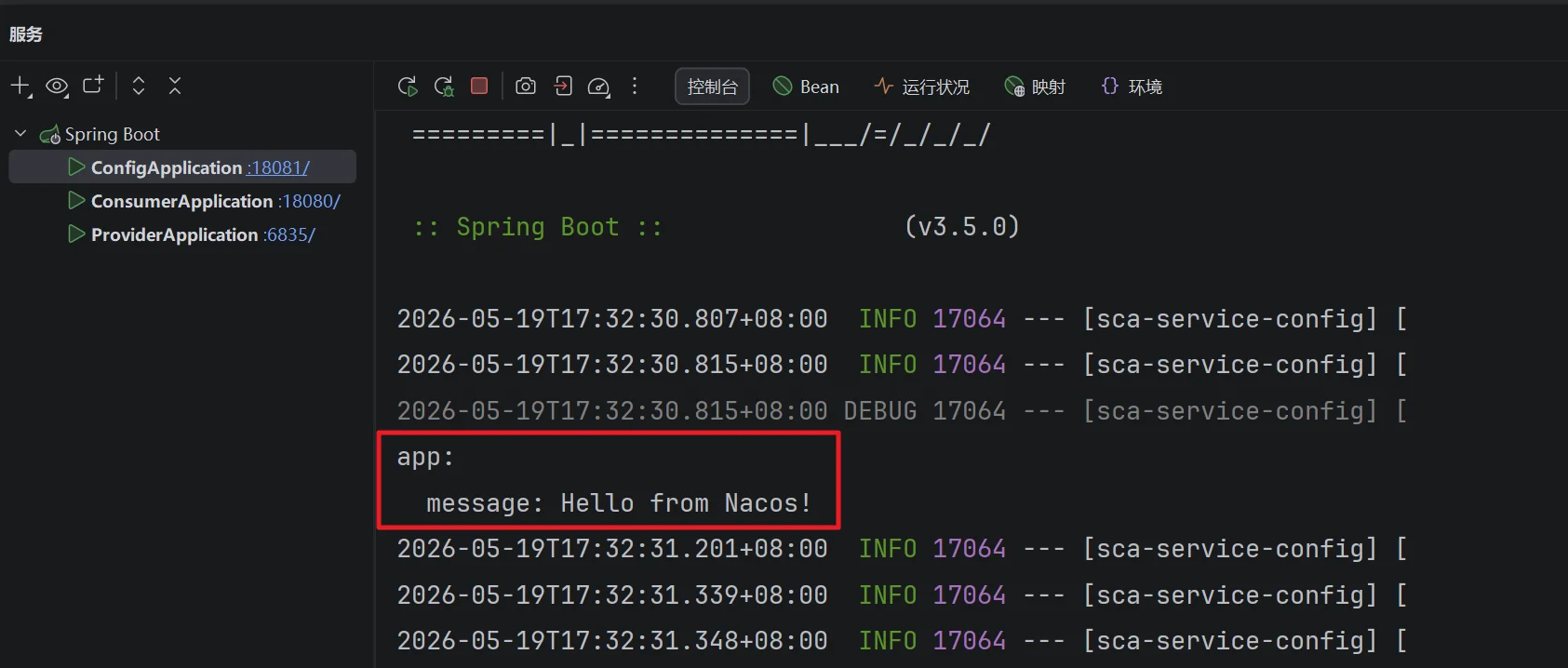
浏览器访问:http://localhost:18081/message 可以看到返回消息
修改配置中心的配置,观察控制台变化,再请求 http://localhost:18081/message 能够看到配置变更了;注意不要重启服务